
How to
Plan meals for the week.
Use the weekly plan to decide what is for dinner, keep sides with the right meal, and turn the plan into a grocery list.
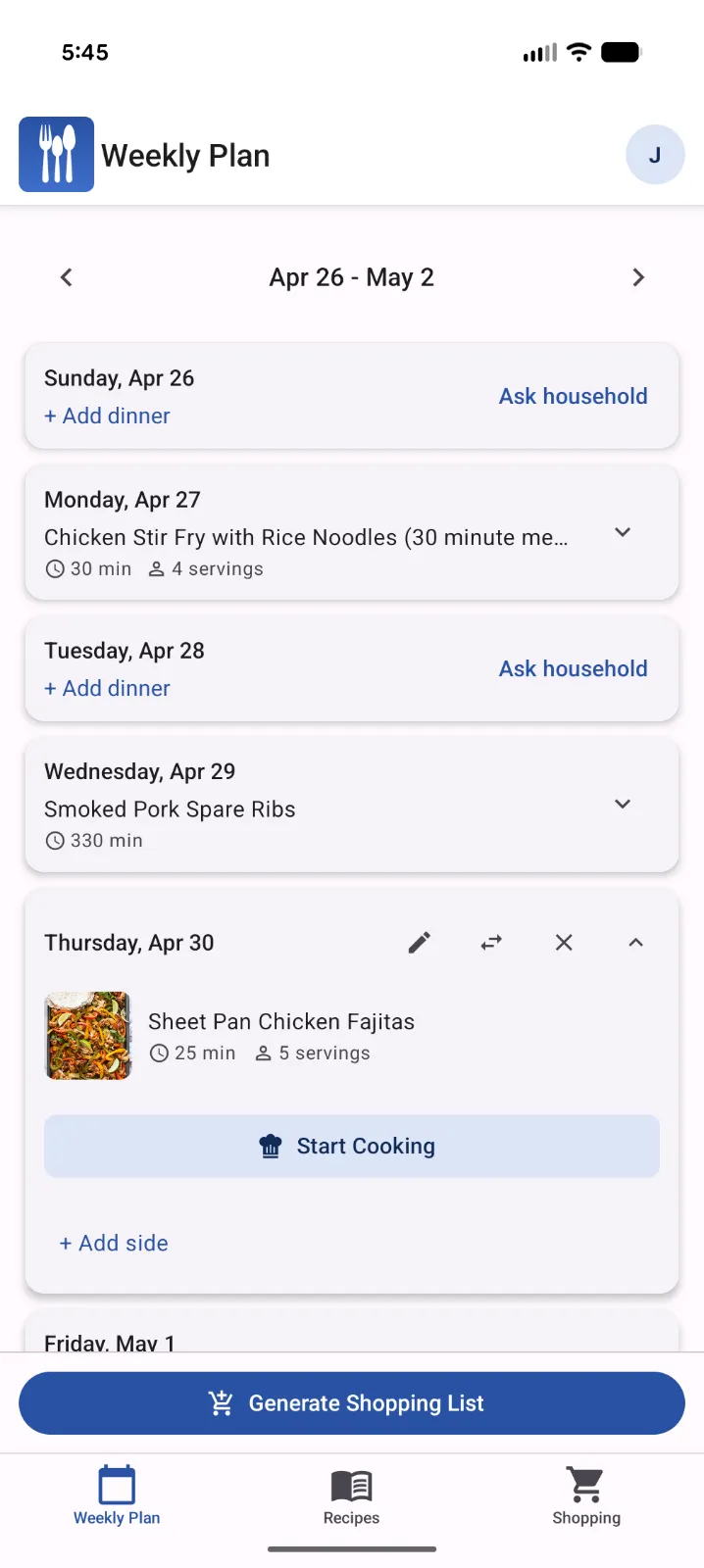
Meal planning workflow
Build the plan one dinner at a time.
Start with the day you know, then fill in the rest of the week from recipes, custom meals, and sides.
-
Open the weekly plan
Go to the plan view and choose the week you want to organize.
-
Choose a day
Tap an empty dinner slot for the day you want to fill.
-
Add a meal
Select a saved recipe, enter a custom meal, or add a side to an existing dinner.
-
Review the week
Scan the weekly plan and adjust meals before you shop.
-
Create the shopping list
Generate a grocery list from the meals you planned and check off items as you shop.
Tip: If you only know a few dinners, plan those first. Family Plates can still help build the grocery list from the meals you have selected.